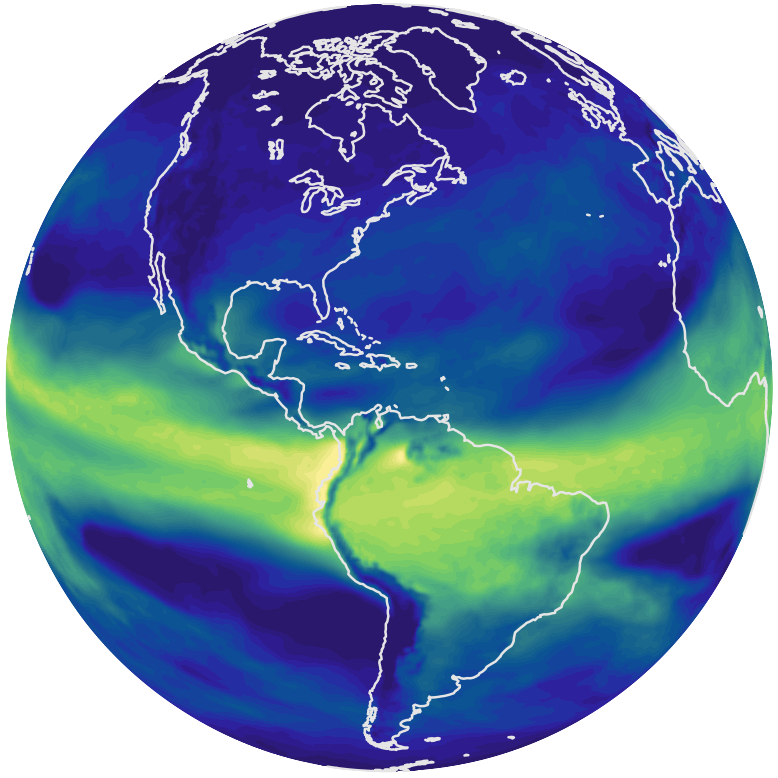

QuickView version 2.11.0 and QuickCompare 1.11.5 are included in version 1.14.0 of the E3SM-Unified Conda + Spack environment released on November 22, 2026 by the E3SM Infrastructure Team. Researchers who would like to use the two tools on Perlmutter through E3SM-Unified are expected to take the following steps:
Connect to Perlmutter using SSH with port forwarding, e.g., via NERSC's JupyterHub or using VS Code
Activate the E3SM-Unified environment using the following command (for login nodes and CPU nodes):
source /global/common/software/e3sm/anaconda_envs/load_latest_e3sm_unified_pm-cpu.shLaunch QuickView or QuickCompare by running the command
quickvieworquickcomparein the terminal.Open the URL printed in the terminal to access the graphical interface in a web browser on the local computer.
If a user needs to run QuickView or QuickCompare on a GPU node, please use a standalone installation by following the steps described here.