Core examples
These six tutorials each build a complete program with Tack's core: arrays, kernels, device functions and classes, atomics, scans and workgroups. Once a first kernel works, they show the pieces working together in a real program. Each one opens with the question it answers, develops the program from its data layout to its host loop, and ends with a check of the result. None needs datasets or visualization.
Every tutorial runs on the CPU and on any GPU, and checks itself against an independent reference:
uv run python docs/examples/heat.py --arch cpu --check
uv run python docs/examples/heat.py --arch cuda --check      # or metal, hip, level_zero
Heat diffusion on a plate
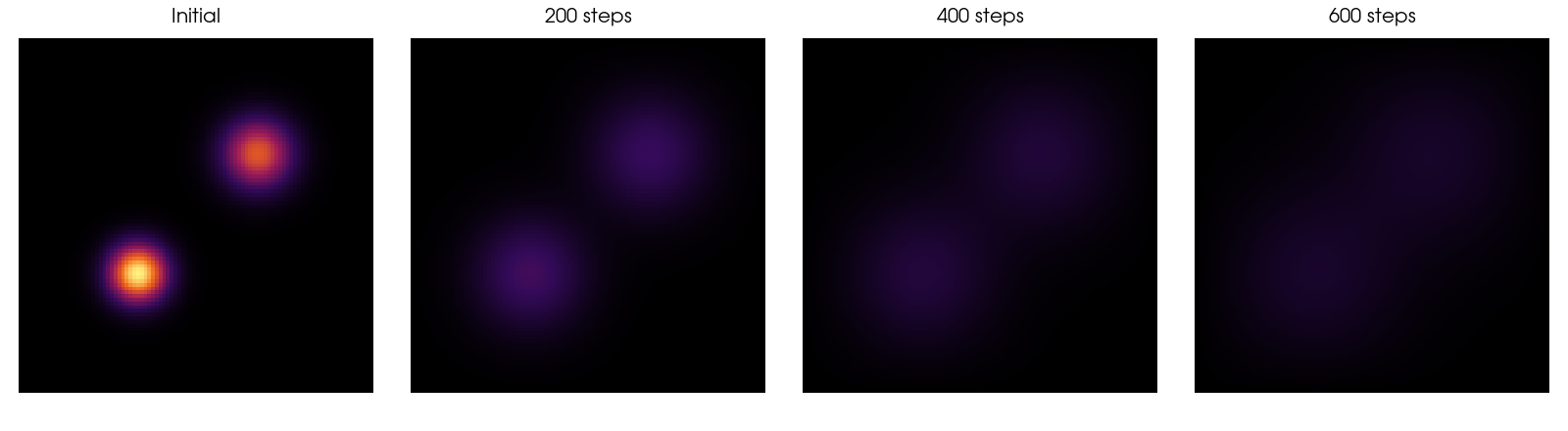
How do you step a simulation on a grid, when each cell's new value depends on its neighbours' old ones? Two hot spots on a cold plate spread and fade. Each time step is one stencil kernel that reads an old array and writes a new one, and the host swaps the two between steps. This is the first simulation to read: it needs only kernels and two-dimensional arrays. Read the tutorial.
Advecting coloured dye
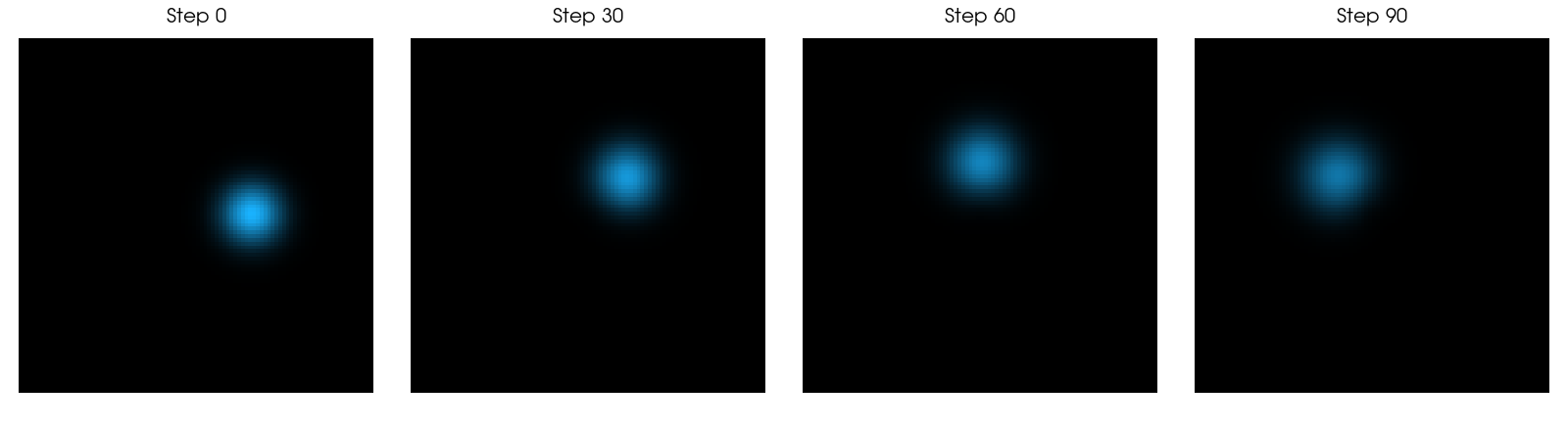
How do you move a field through a flow, sampling between grid points? A blob of coloured dye rotates in a velocity field. Every output cell traces back along the flow to where its colour came from and interpolates the old colours there. It uses arrays of RGB vectors and a device function for the interpolation. Read the tutorial.
Agents that follow a trail
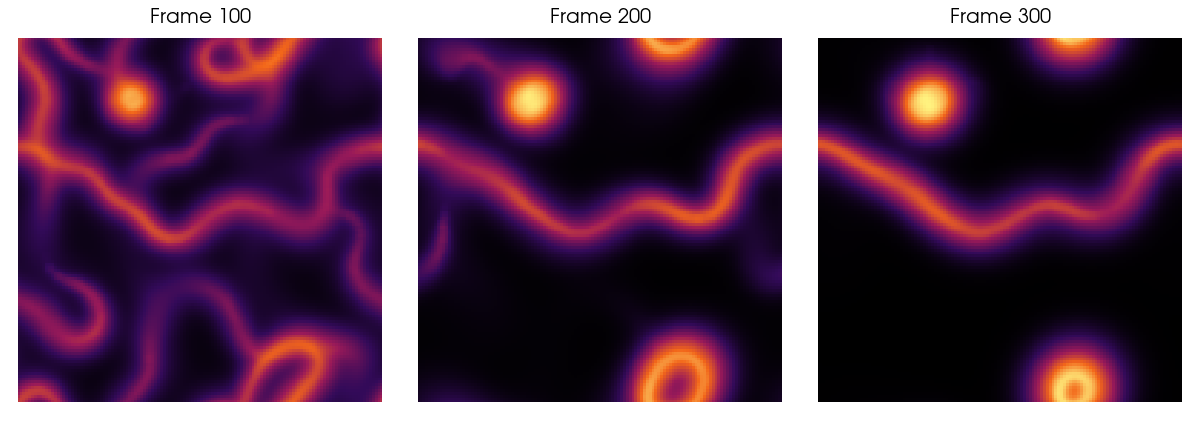
How do many agents read and write one shared grid without racing each other? Agents sense a trail, turn toward it, move, and deposit more of it, while the trail diffuses and fades. The agents are a device class, their starting places and turns come from random numbers, and their deposits are atomic adds. Moving, depositing and diffusing are separate kernels, so no kernel reads the trail while another writes it. Read the tutorial.
Marching squares: count, scan, write
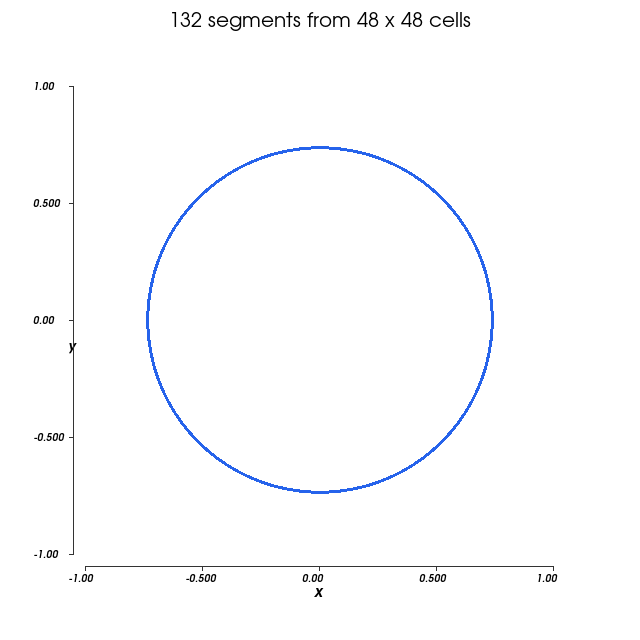
How does a kernel write an output whose size it does not know in advance, in a fixed order? A contour of a circle comes out of a grid of samples, with zero, one or two segments per cell. One kernel counts each cell's segments, an exclusive scan turns the counts into offsets, and a second kernel writes each cell's segments at its offset. The pattern fits any output with a count known per input item. It uses a scan and local arrays. Read the tutorial.
A particle-to-grid simulation
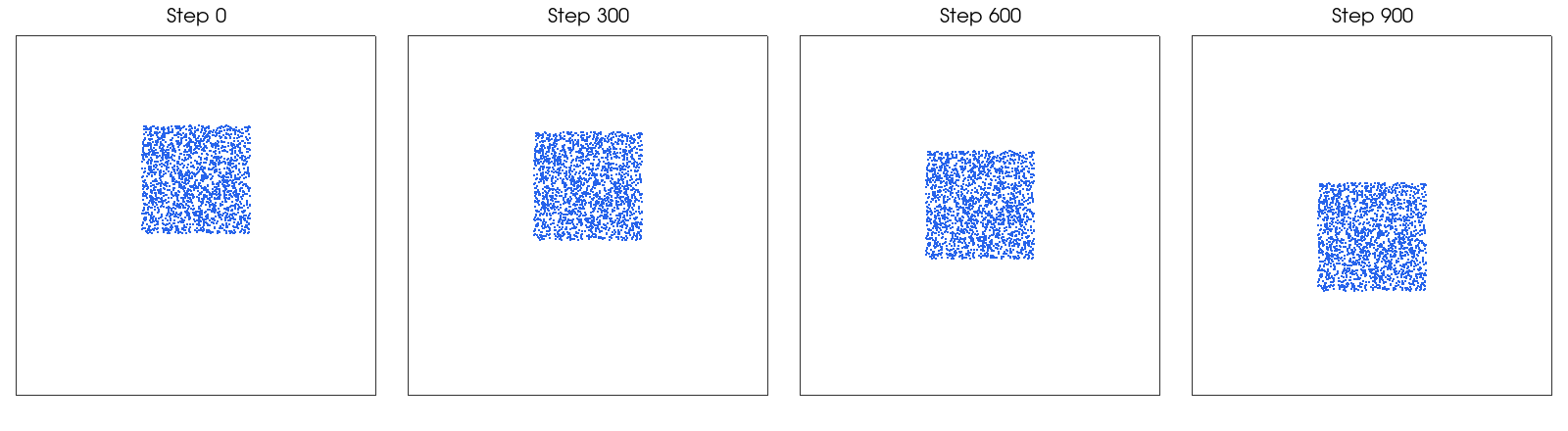
How do particles hand their momentum to a grid and take it back? A block of fluid falls under gravity, simulated with the material point method. Particles carry the material's state, and a temporary grid exchanges momentum between them each step. It uses arrays of 2×2 matrices, weights over a 3×3 stencil, and atomic adds into a two-dimensional grid. Read the tutorial.
Tiled N-body forces
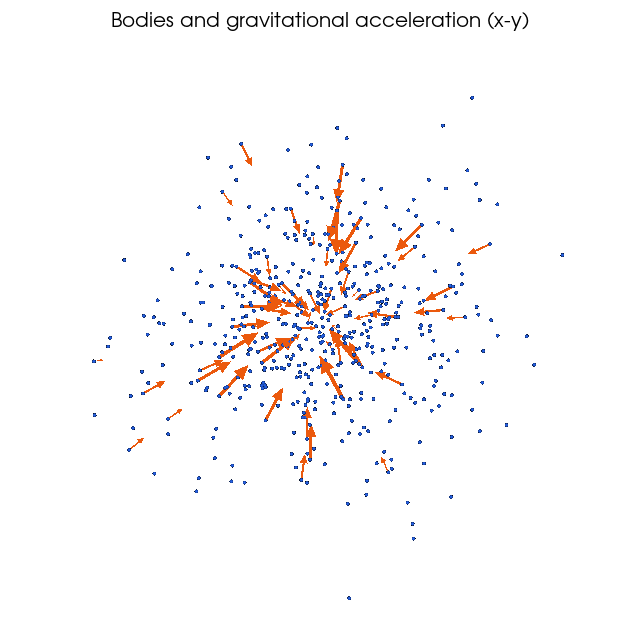
How do GPU threads share data through fast memory, while the same program still runs on the CPU? Each body sums the gravitational pull of every other body. A plain kernel does it on every device. A tiled kernel loads positions into shared memory 256 at a time and uses barriers, and the program picks it on devices with workgroups. Read the tutorial.
Run the tutorials
Each script is shown in full at the end of its tutorial and can be downloaded from there. Run them from the repository root, after installing Tack from source:
--archnames the device:cpu,metal,cuda,hiporlevel_zero. The device must start. The scripts never fall back to another.--checkruns a smaller problem and compares it with a NumPy reference or with properties the answer must have. It is a correctness check, not a benchmark.--output heat.pngsaves the tutorial's figure. Figures need VTK, whichuv sync --extra interopinstalls, or add it for one run withuv run --with vtk python docs/examples/heat.py --output heat.png.
uv run python docs/examples/validate.py --arch cpu runs every tutorial's
check on one device. The figures on this page were made on the CPU. A GPU
draws the same pictures, though its numbers can differ in the low bits, as
Debug and time a kernel explains.
The heat example adapts one of Tack's own examples. Dye, the trail-following agents, marching squares and MPM adapt public Taichi examples, and N-body adapts NVIDIA Warp's tile example. Each tutorial links its original and says what it changed. The adapted Taichi and Warp scripts keep their Apache-2.0 license, and the others use Tack's BSD-3-Clause license. See the notices.
Where to go next
- Kernels, if a tutorial uses something you have not met yet.
- Debug and time a kernel, to check and measure your own version of a tutorial.
- For examples on meshes and fields, see the Visualization layer's examples.